
Can I Get Something Printed at Walmart
Yes, you can get photos, basic documents, and select custom products printed at Walmart. Most stores offer self-service photo kiosks and online ordering through Walmart Photo, with same-day pickup available for many items. However, Walmart's printing services focus primarily on consumer photo products rather than professional documents, large-format graphics, or custom signage.
Understanding exactly what Walmart can and cannot print saves you time and prevents frustration at the counter. Whether you need a quick photo print or a professional poster for your business, knowing your options upfront helps you choose the right provider.
This guide covers Walmart's complete printing services, pricing, file requirements, and limitations. You'll also learn when a professional print shop delivers better results for business materials, signs, and large-format projects.
What Printing Services Does Walmart Offer?
Walmart provides printing services through its Photo Center, available both in-store and online. The service focuses on photo-based products with limited document printing capabilities. Most Walmart locations have self-service kiosks, though service availability varies by store.
Photo Printing at Walmart
Walmart's core printing strength is photo products. Standard photo prints range from 4x6 inches to 8x10 inches, available at most locations with photo kiosks. You can also order enlargements, photo books, calendars, canvas prints, and photo cards through Walmart Photo's online platform.
Same-day pickup is available for standard photo prints at participating stores. Larger products like canvas prints and photo books typically require 5-7 business days for production and shipping. The service accepts uploads from phones, computers, social media accounts, and cloud storage.
Document and Copy Services
Walmart's document printing options are limited compared to dedicated print shops. Some locations offer basic black-and-white and color copies through self-service machines. However, not all Walmart stores have document printing capabilities, and those that do typically limit services to standard letter-size paper.
For documents, you'll find more consistent service at office supply retailers or professional print shops. Walmart does not offer binding, laminating, or finishing services for documents at most locations.
Custom Products and Specialty Printing
Beyond standard photos, Walmart prints on various products including:
Photo blankets and pillows
Mugs and drinkware
Phone cases
Greeting cards and invitations
Wall décor and canvas prints
These custom products are ordered online and shipped to your home or store. Production times vary from same-day for simple prints to 2-3 weeks for specialty items. Quality suits personal use but may not meet professional branding standards.
How to Print at Walmart: Step-by-Step Process 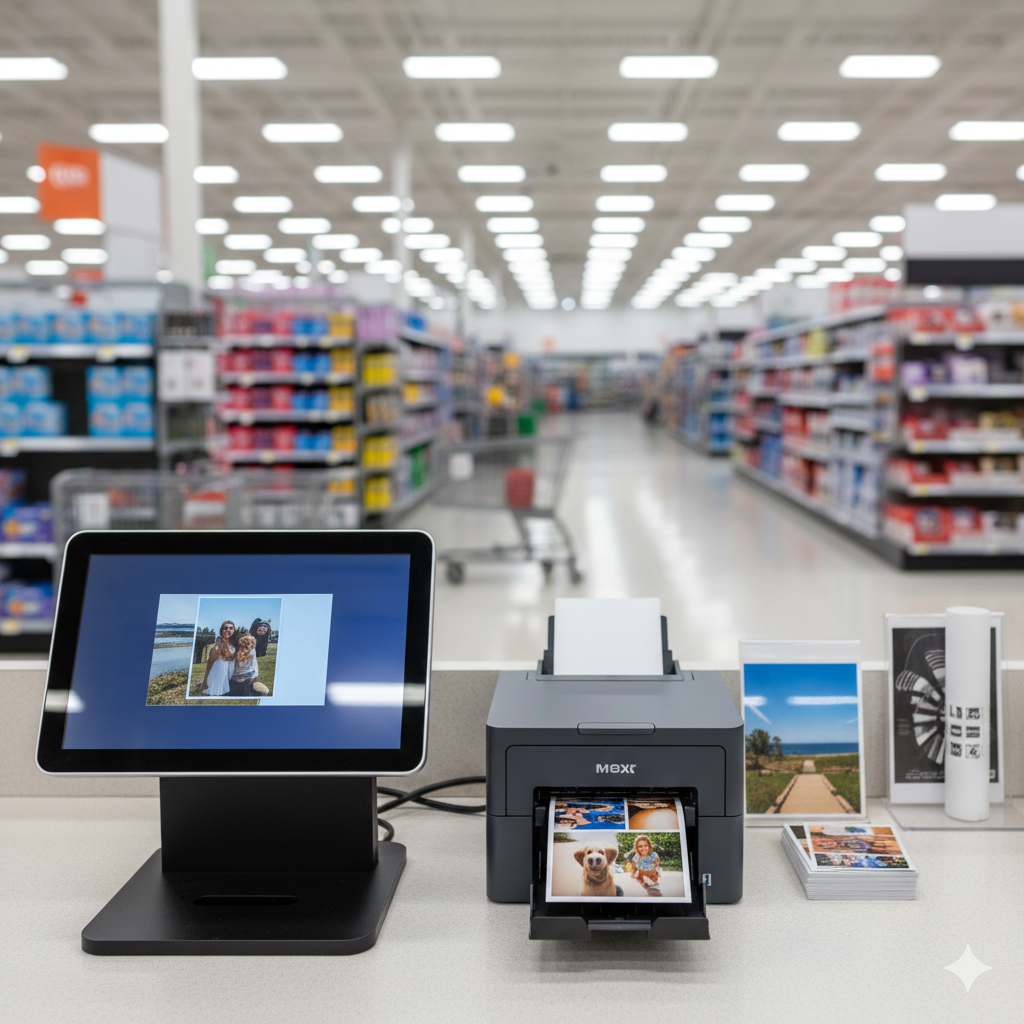
Getting prints at Walmart involves three main methods: in-store kiosks, online ordering, or the mobile app. Each option works best for different situations and product types.
Using the Walmart Photo Kiosk In-Store
Walk-in printing at Walmart starts at the self-service photo kiosk, typically located near the electronics or photo department. Here's the process:
Bring your files on a USB drive, SD card, or smartphone
Select your product type on the kiosk touchscreen
Upload images from your device or connect via Bluetooth
Edit and crop photos using the built-in tools
Choose quantities and sizes for each image
Pay at the kiosk using credit, debit, or cash
Wait for printing (usually 10-30 minutes for standard photos)
Kiosk availability varies by location. During busy periods, you may wait for an open machine. The interface is straightforward but can be slow for large orders.
Ordering Prints Online Through Walmart Photo
Online ordering through Walmart Photo offers more product options and lets you skip the kiosk line:
Visit photos.walmart.com or the Photo section on walmart.com
Create an account or sign in
Upload photos from your computer, phone, Facebook, Instagram, or Google Photos
Select products and customize your order
Choose pickup or delivery based on product availability
Complete payment and receive confirmation
Same-day pickup requires ordering before the store's cutoff time, typically early afternoon. You'll receive a notification when your order is ready at the Photo Center counter.
Using the Walmart App for Mobile Printing
The Walmart app streamlines mobile photo printing:
Download the Walmart app (iOS or Android)
Navigate to the Photo section
Select photos directly from your phone's gallery
Choose products and customize
Select your store for pickup
Pay through the app and pick up when notified
The app works well for quick photo prints but offers fewer product options than the full website. For complex orders or specialty products, the desktop site provides more flexibility.
Walmart Printing Prices and Turnaround Times
Walmart positions itself as a budget-friendly printing option. Prices are competitive for basic photo products but vary significantly by product type and size.
Photo Print Pricing
Standard photo print prices at Walmart:
Prices fluctuate based on promotions and whether you order online or at the kiosk. Walmart Photo's website shows current pricing for all products. Bulk orders may qualify for volume discounts on select items.
Document and Poster Costs
Document printing costs at Walmart locations with copy services:
Black-and-white copies: $0.10 - $0.15 per page
Color copies: $0.25 - $0.50 per page
Poster prints (engineering prints): $3.00 - $5.00 for 24x36 inch
Poster printing through Walmart Photo offers limited sizes. For large-format prints exceeding 24x36 inches, you'll need a dedicated print shop with wide-format equipment.
Same-Day vs. Standard Turnaround Options
Turnaround times depend on product type and order method:
Same-day service requires ordering before the store's cutoff time and confirming availability at your chosen location. Not all products qualify for same-day pickup, even at stores with photo services.
File Preparation Requirements for Walmart Printing
Proper file preparation prevents printing delays and quality issues. Walmart's system has specific requirements for file types, resolution, and dimensions.
Accepted File Formats
Walmart Photo accepts these file formats:
JPEG/JPG (most common, recommended)
PNG (supported but may increase file size)
BMP (basic support)
TIFF (limited support online)
JPEG files work best for photo printing at Walmart. The system optimizes for this format, and uploads process faster. Avoid PDF files for photo products—Walmart's photo system doesn't accept them.
Resolution and Size Guidelines
Print quality depends on image resolution. Walmart recommends:
Minimum 300 DPI (dots per inch) at final print size
4x6 prints: At least 1200 x 1800 pixels
8x10 prints: At least 2400 x 3000 pixels
Posters: At least 150 DPI at final size
Low-resolution images print blurry or pixelated. The Walmart system warns you if resolution is too low, but proceeding anyway results in poor quality. Smartphone photos typically have sufficient resolution for prints up to 8x10.
Common File Errors to Avoid
These issues cause printing problems at Walmart:
File too small: Images under 500KB often lack sufficient resolution. Check your original file, not a compressed version.
Wrong color mode: Files in CMYK mode may display incorrectly. Convert to RGB before uploading.
Corrupted files: If uploads fail repeatedly, try re-saving the image or using a different file.
Embedded profiles: Some color profiles cause display issues. Save with sRGB profile for best results.
Cropping surprises: Walmart's system auto-crops images to fit standard sizes. Preview carefully before ordering to avoid cutting off important elements.
Limitations of Walmart Printing Services
While Walmart handles basic photo printing well, significant limitations affect business users and anyone needing professional-quality output.
What Walmart Cannot Print
Walmart's printing services exclude:
Business cards
Brochures and flyers (tri-fold, professional finish)
Banners and large-format signs
Vehicle wraps or decals
Window graphics
Trade show displays
Mounting and laminating services
Custom die-cut shapes
Specialty substrates (metal, acrylic, foam board)
If your project requires any of these, you'll need a full-service print provider. Walmart focuses exclusively on consumer photo products and basic document copies.
Quality Considerations for Professional Needs
Walmart printing suits personal use but presents challenges for professional applications:
Color accuracy: Consumer-grade equipment doesn't match professional color calibration. Brand colors may appear inconsistent across orders.
Paper options: Limited paper stocks mean you can't choose premium finishes, weights, or textures that elevate professional materials.
Consistency: Quality varies between locations and even between orders at the same store. Professional print shops maintain tighter quality control.
Finishing: No access to professional finishing like spot UV, embossing, foil stamping, or specialty coatings.
For business materials representing your brand, these limitations matter. A slightly higher investment in professional printing delivers noticeably better results.
Large-Format and Custom Signage Gaps
Walmart's largest standard print option tops out around 24x36 inches for engineering-style prints. This excludes:
Retractable banners (typically 33x80 inches)
Yard signs (18x24 inches with stakes and weatherproofing)
Building signs and dimensional letters
Vehicle graphics
Trade show backdrops (8x8 feet or larger)
Window clings and perforated vinyl
Large-format printing requires specialized wide-format printers, different inks, and various substrates that Walmart doesn't stock. For signage projects, professional print shops offer the equipment and expertise these jobs demand.
Alternatives to Walmart for Professional Printing in Dallas
When Walmart's services don't meet your needs, professional print shops fill the gap with expanded capabilities, better quality, and expert guidance.
When to Choose a Professional Print Shop
Consider a professional printer when you need:
Business materials: Business cards, letterhead, brochures, and presentation folders require professional paper stocks and finishing.
Brand consistency: Color-matched printing ensures your materials look identical every time, protecting brand integrity.
Large-format graphics: Banners, signs, trade show displays, and vehicle graphics need wide-format equipment.
Custom solutions: Die-cut shapes, specialty substrates, and unique finishing options aren't available at retail locations.
Expert guidance: Professional print shops help you choose the right materials, prepare files correctly, and solve problems before they affect your project.
Tight deadlines: While Walmart offers same-day for basic photos, professional shops can rush complex jobs with proper planning.
Comparing Walmart vs. Full-Service Print Providers
The right choice depends on your specific project. Personal photos? Walmart works fine. Business signage? A professional shop delivers better results.
Benefits of Local Print Experts Like AlphaGraphics Dallas
Working with a local print provider in Dallas offers advantages beyond equipment:
Consultation: Discuss your project with experts who understand printing. Get recommendations on materials, sizes, and approaches that work best for your goals.
File support: Professional shops review your files and fix issues before printing. This prevents costly mistakes and reprints.
Material selection: Choose from dozens of paper stocks, vinyl types, and specialty substrates. See and feel samples before committing.
Finishing options: Access laminating, mounting, grommets, pole pockets, and other finishing that makes signage installation-ready.
Local accountability: When you need changes or have questions, you're working with people in your community who stand behind their work.
Rush capability: Professional shops can expedite complex jobs when deadlines are tight, something retail print services can't accommodate.
For Dallas businesses and individuals needing more than basic photo prints, local print experts provide the combination of quality, selection, and service that retail options can't match.
Conclusion
Walmart offers convenient, affordable printing for photos and basic documents, with same-day pickup available at many locations. However, the service focuses on consumer photo products and lacks the equipment, materials, and expertise needed for professional business printing, large-format graphics, and custom signage.
Understanding these limitations helps you choose the right provider for each project. Personal photos and quick prints work well at Walmart. Business materials, signs, banners, and anything requiring professional quality deserve a full-service print shop with proper equipment and expert guidance.
We help Dallas customers get exactly what they need, from document printing to large-format signs and custom graphics. Contact AlphaGraphics Dallas for a consultation on your next printing or signage project—we'll guide you to the right solution with fast turnaround and reliable quality.
Frequently Asked Questions
Does Walmart print documents from USB drives?
Yes, Walmart photo kiosks accept USB drives for printing photos. However, document printing capabilities vary by location. Some stores have separate copy machines that accept USB drives for document printing, but this service isn't available at all Walmart locations. Call your local store to confirm document printing availability.
Can I print posters at Walmart?
Walmart offers poster printing up to approximately 24x36 inches through engineering-style prints. You can order these online through Walmart Photo or at in-store kiosks where available. For larger posters, banners, or professional-quality poster printing on premium materials, you'll need a full-service print shop.
How long does Walmart photo printing take?
Standard photo prints (4x6 to 8x10) are typically ready within 1 hour when ordered at in-store kiosks or online with same-day pickup. Larger products like canvas prints take 5-10 business days, and custom products like photo books require 7-14 days or longer depending on the item.
Does Walmart offer same-day printing?
Yes, Walmart offers same-day pickup for standard photo prints at most locations with photo services. You must order before the store's cutoff time, usually early afternoon. Same-day service is limited to basic photo prints—canvas prints, photo books, and custom products require longer production times.
What file types does Walmart accept for printing?
Walmart Photo accepts JPEG, PNG, BMP, and TIFF files. JPEG is the recommended format for best results and fastest uploads. The system does not accept PDF files for photo products. For document printing at locations with copy services, PDF and common document formats are typically supported.
Can Walmart print business cards or brochures?
No, Walmart does not offer business card or brochure printing. Their services focus on consumer photo products and basic document copies. For business cards, brochures, flyers, and other professional marketing materials, you'll need a commercial print shop that offers appropriate paper stocks and finishing options.
Is Walmart printing good quality for professional use?
Walmart printing quality suits personal photos and casual use but falls short for professional applications. The consumer-grade equipment lacks precise color calibration, paper options are limited, and quality can vary between orders. For business materials, brand consistency, and professional presentations, a dedicated print shop delivers noticeably better results.
